
Google Timeline viewer
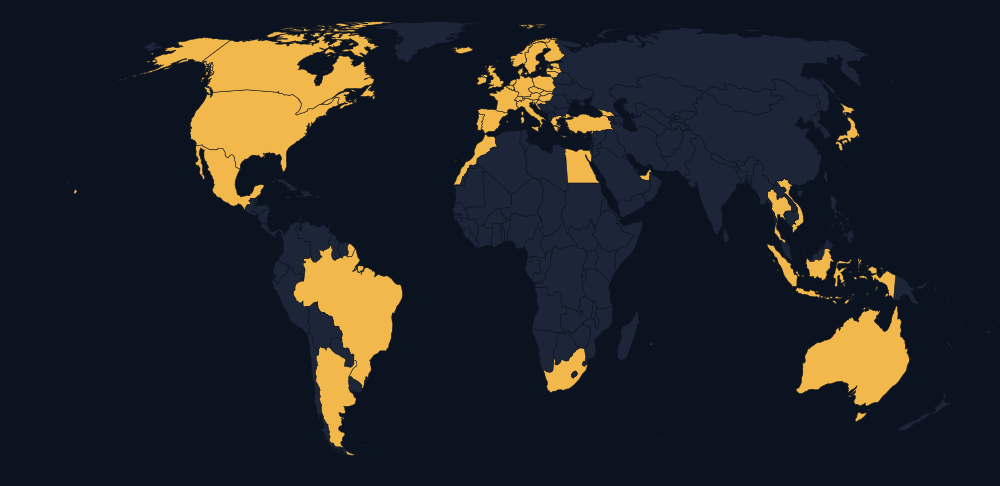
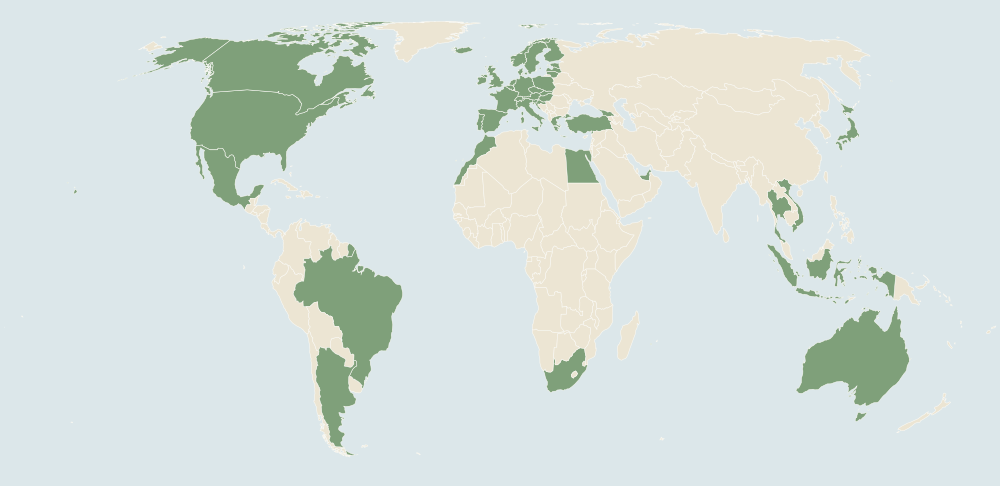
Open your Google Maps Timeline export and see every country you've been to, how many days you spent in each, and your trips. The file never leaves this browser.
Open your Timeline file
Timeline.json from Android, location-history.json from iPhone, or Records.json from an old Google Takeout. It's read in this browser and never uploaded. How to export it
How it reads your file
The file stays on your device. This page opens it in your browser, finds the country for each place you were, and groups the places by day. The only thing it downloads is the outline of each country, from this site.
- A day counts for every country you were in that day, in local time. A border day counts for both.
- Trips are counted from home. You're asked which country is home, with the one you spent most days in picked first.
- Days with no places in the file aren't filled in.
In short: Open the Timeline file you exported from Google Maps and see the countries you've been to, the days you spent in each, and every trip away from home. It reads Android, iPhone and old Takeout files, and the file is read in this browser and never uploaded.
Questions
Is my Timeline uploaded?
No. This page reads the file in your browser. Nothing is sent to Globekeep or anyone else, and closing the tab clears it.
Where is my Timeline now?
On your phone. Google moved Timeline from the web to each device, so it no longer shows in a browser. Export it from the phone, then open the file here.
Which files work?
Timeline.json from Android, location-history.json from iPhone, and Records.json or the monthly Semantic Location History files from an old Google Takeout. You can choose several files at once, one from each phone.
How are days counted?
A day counts for a country if you were there at any time that day, in local time. A day you crossed a border counts for both countries. Places up to 25 km off a coast count for that country, so ferry and beach days aren't lost.
What counts as a trip?
A run of days with at least one country other than home. A day or two abroad with no data doesn't split a trip, and the day you come home ends it.
Why is a country missing?
The phone had no location that day, or Timeline was off. Days with no data aren't guessed.
Can I use these days for Schengen or tax?
Yes. Under your results, tap Check my Schengen days or Count these days for tax. The days are filled into the Schengen calculator or the 183-day calculator in the same tab, still only in this browser.
Never export again
Globekeep keeps your countries and days counted as you travel, from your photos and location.
- Trips from your photosPast trips too, from photos and Google Maps Timeline
- Flights from your inboxBooking emails become flights and stays
- Days in every countrySchengen and 183-day counts, with a warning first
- Private by designYour photos never leave your phone
Only launch news. Unsubscribe any time.